About this plugin
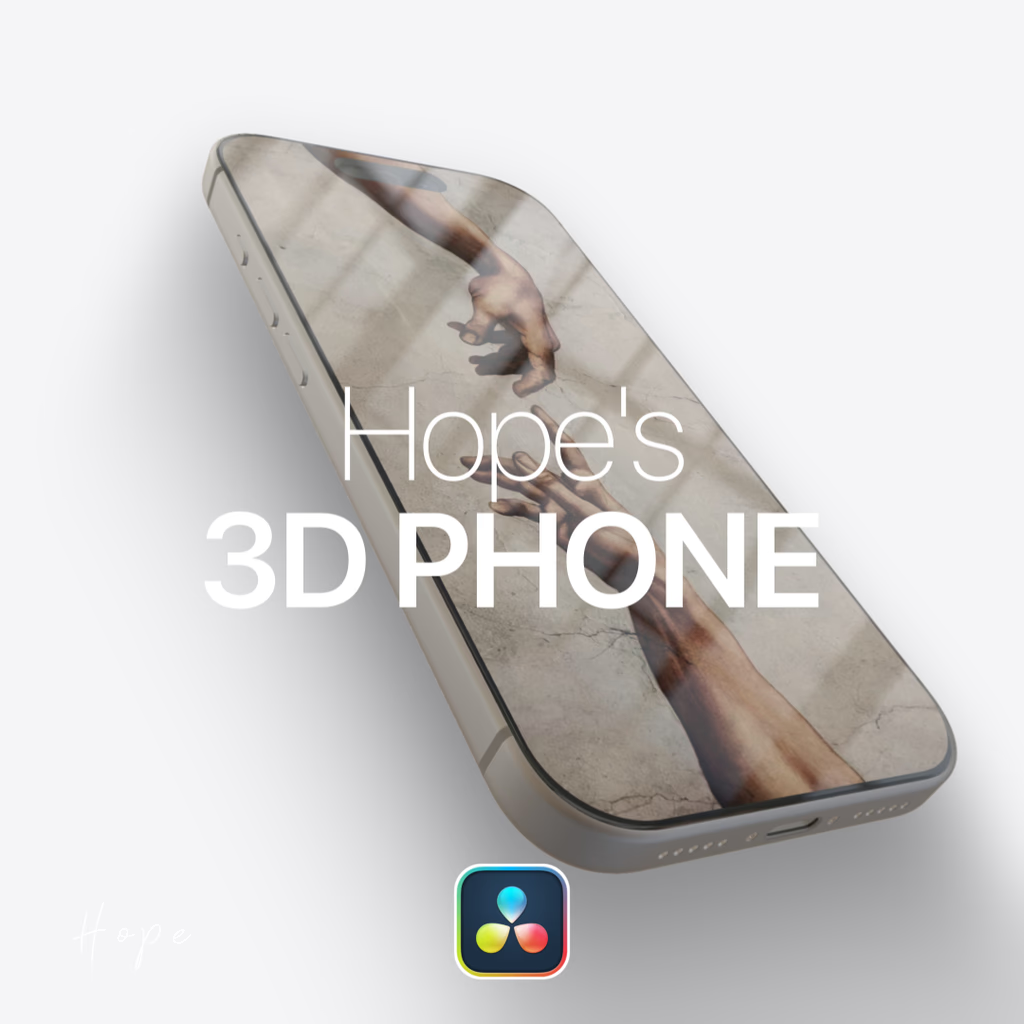
Create the most realistic 3D Phone inside DaVinci Resolve with custom display mapping. Designed for sleek product showcases, UI mockups, and modern tech edits, this tool gives you fully controllable 3D framing natively on your timeline.
Key features
- Realistic 3D Phone Model: Built with detailed textures and precise geometry to elevate your tech edits.
- Custom Display Mapping: Easily project your own media, UI designs, or video screen recordings onto the phone display.
- Native DaVinci Resolve Workflow: Powered directly inside Resolve with smooth handling and flexible controls.
What's inside
- 1x Hope's 3D Phone Macro (.setting file)
How to install
- Download the
.settingmacro file. - Open your Fusion templates directory based on your operating system and place the file in the appropriate folder:
- Mac:
~/Library/Application Support/Blackmagic Design/DaVinci Resolve/Fusion/Templates/Edit/Effects - Windows:
%APPDATA%\Blackmagic Design\DaVinci Resolve\Support\Fusion\Templates\Edit\Effects
- Mac:
- Restart DaVinci Resolve and find Hope's 3D Phone directly inside your Effects Library.