About this plugin
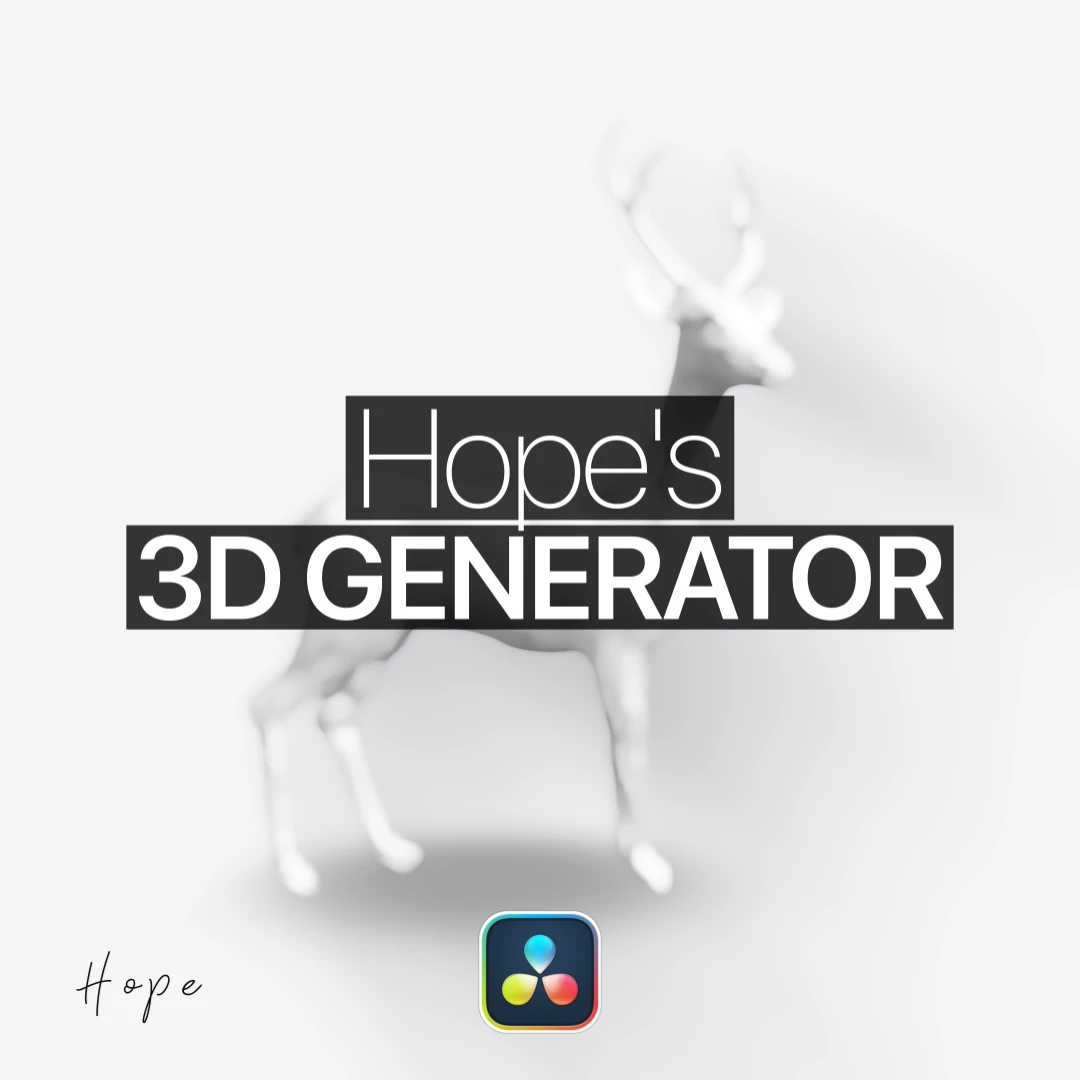
The easiest, fastest way to create 3D objects natively inside DaVinci Resolve. Designed to streamline your Fusion and Edit page workflows, it lets you generate and animate 3D elements without complex setups.
Key features
- Simplified 3D Creation: Build and manipulate 3D shapes quickly inside DaVinci Resolve.
- Native Integration: Fully compatible with both Free and Studio versions (20+).
- Cross-Platform: Supports both Windows and macOS workflows.
What's inside
- 1x Hope's 3D Generator Macro (.setting file)
How to install
- Download the
.settingmacro file. - Open your Fusion templates directory based on your operating system and place the file in the appropriate folder:
- Mac:
~/Library/Application Support/Blackmagic Design/DaVinci Resolve/Fusion/Templates/Edit/Effects - Windows:
%APPDATA%\Blackmagic Design\DaVinci Resolve\Support\Fusion\Templates\Edit\Effects
- Mac:
- Restart DaVinci Resolve and find Hope's 3D Generator directly inside your Effects Library.